MNF307QS2-1 165HZ

SKU: LT-10028374 In Stock
US $58.00
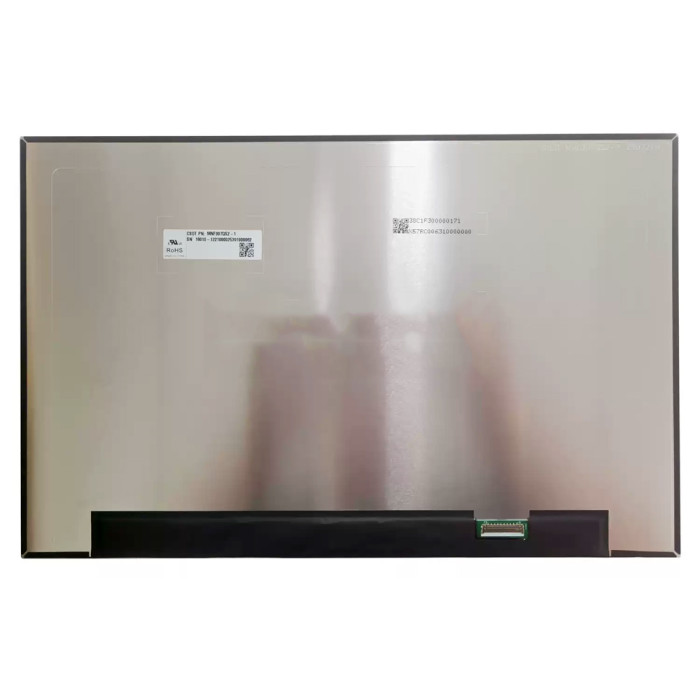
Model MNF307QS2-1
Refresh Rate 165HZ
Resolution 1920(RGB)×1200, WUXGA, 16:10
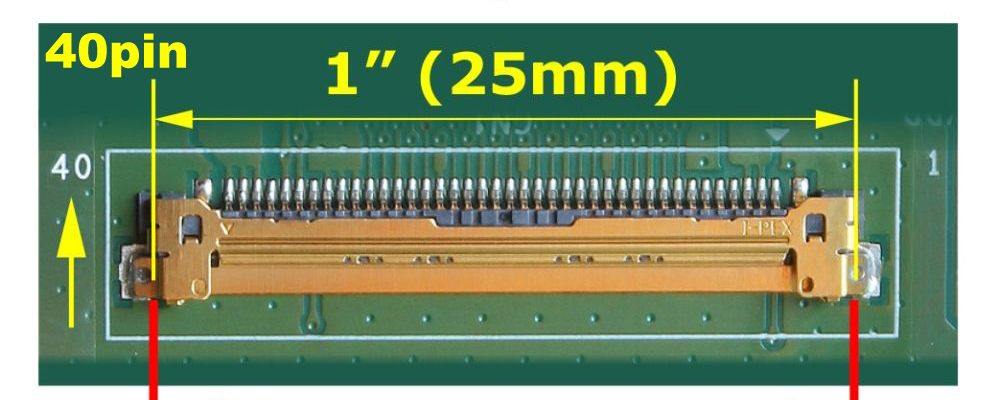
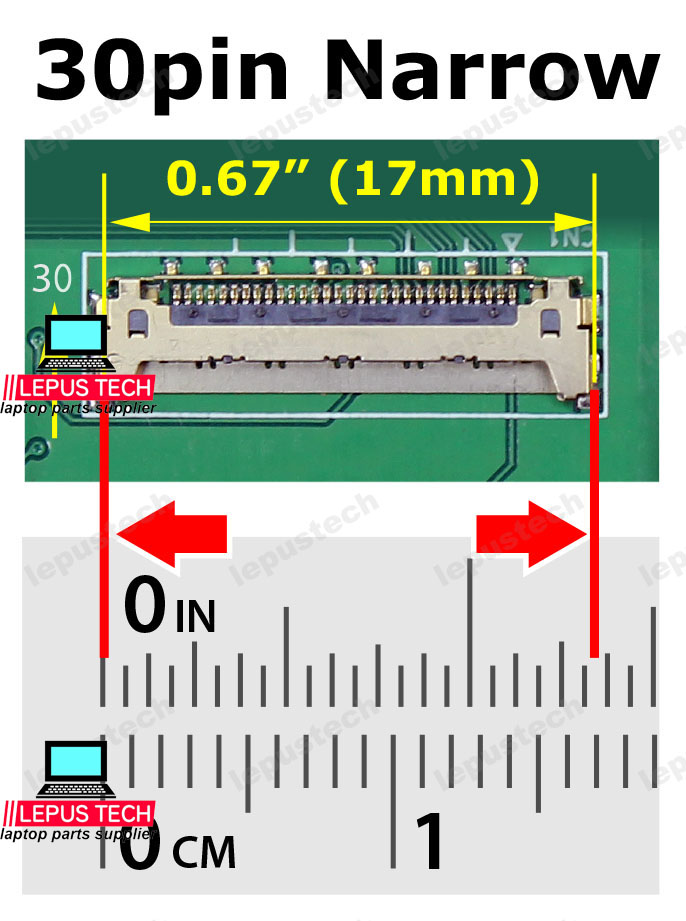
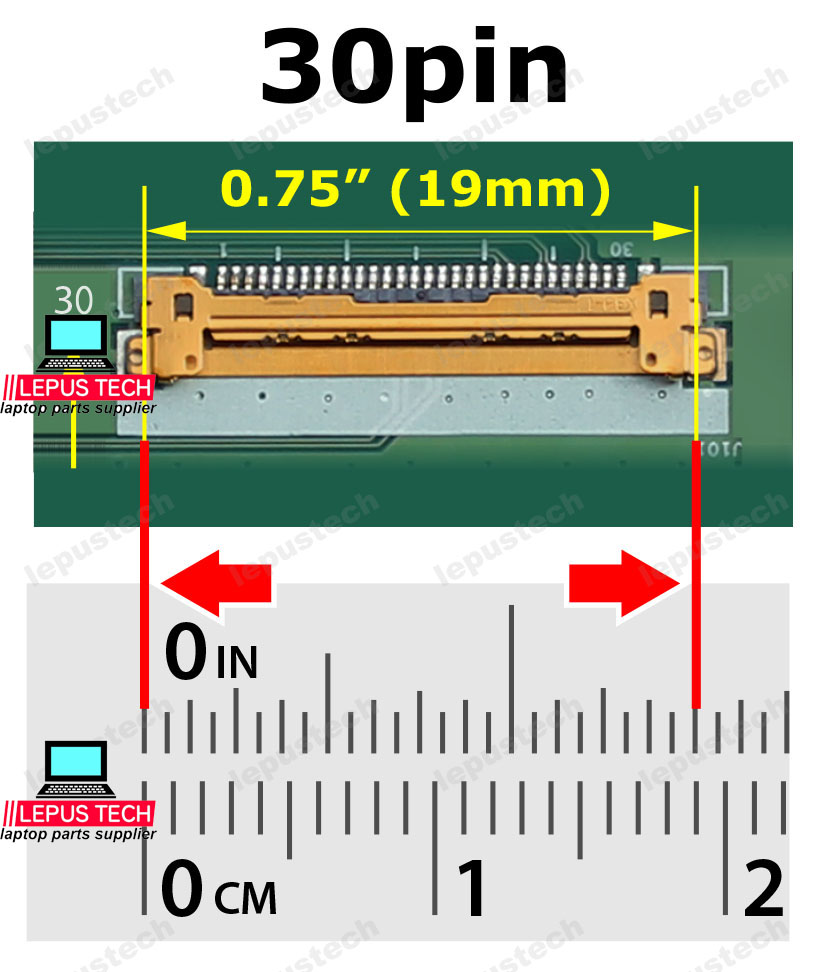
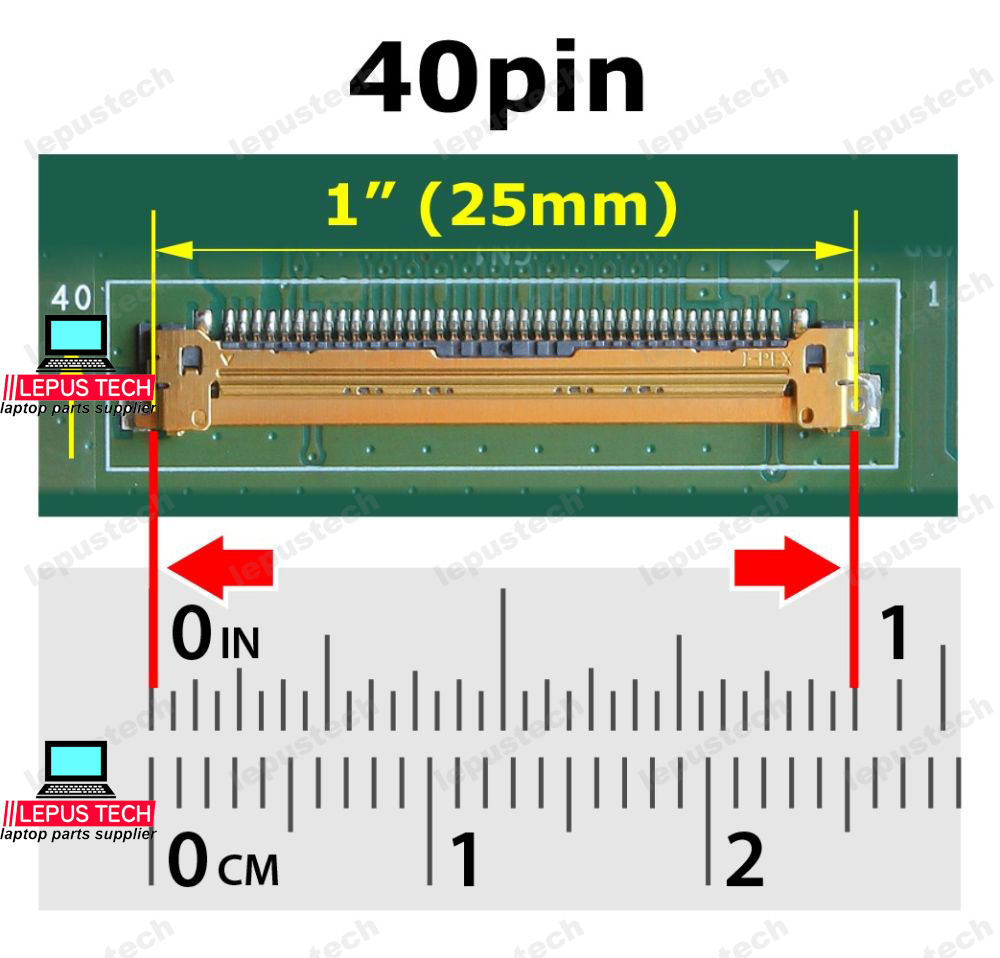
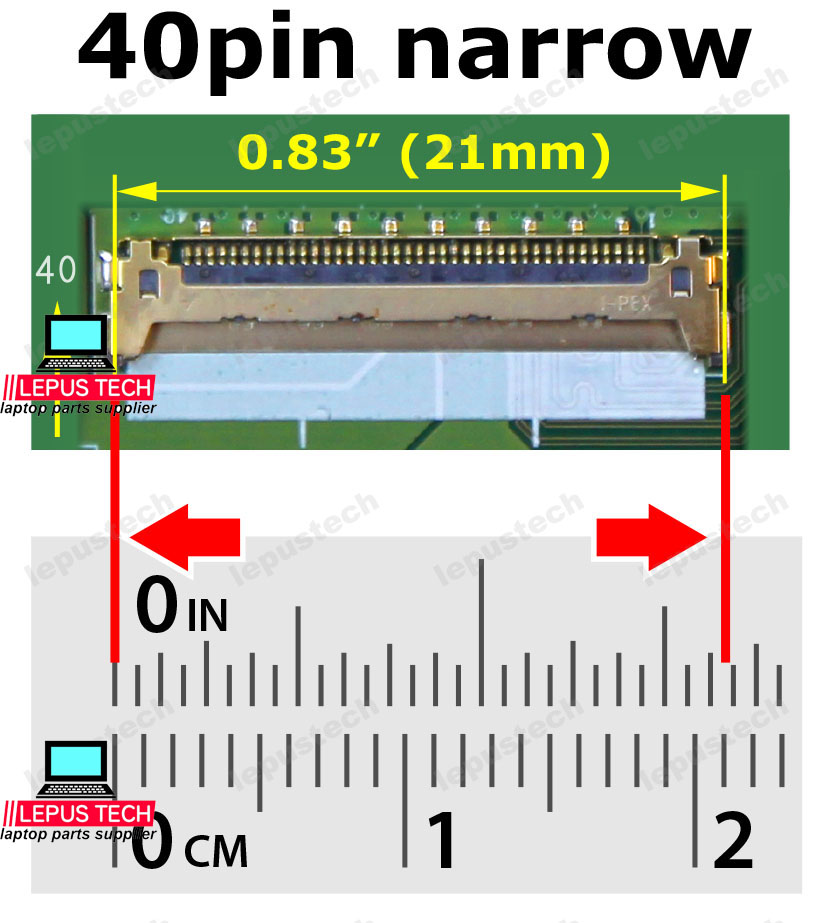
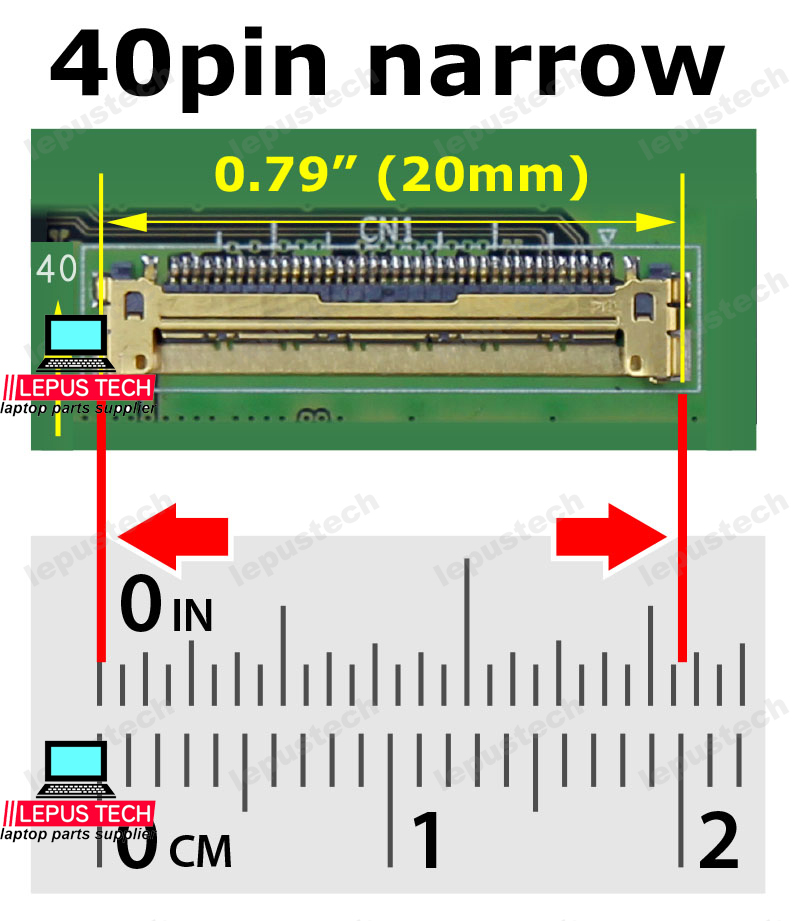
Connector EDP 40 pin, Width: 1.0 inch (25mm), Pitch: 0.5mm
Condition: New Grade A+
Delivery:
  • Send compatible model per info.
  • Same part number in stock sent first.
  • Note if exact part number needed when ordering.
Location: shenzhen,China

Size:15.3"

Resolution:1920(RGB)×1200, WUXGA

Backlight:WLED  100% sRGB

Connecter:eDP 40pin
⚠️ Refresh Rate Compatibility Check
Ensure your laptop's GPU and LCD cable support the refresh rate of this screen. Using a higher refresh rate than supported may result in flickering, no display, or limited to 60Hz.
Check your current refresh rate in Display Settings → Advanced Display and verify your laptop's specifications.
LCD screen quality testing

100% Tested – Refresh Rate Verified

Every LCD panel is rigorously tested for refresh rate stability, ghosting reduction, and smooth motion performance at its rated Hz. We verify that each unit delivers consistent frame delivery without flickering or tearing at the specified refresh rate.

Refresh rate validation Motion blur test Flicker-free certification

Refresh Rate Guide – Find Your Perfect Smoothness

From 60Hz to 480Hz — understand what each refresh rate means for your experience

1 What Is Refresh Rate?

Definition

Refresh rate (measured in Hz) is the number of times your screen updates with new images per second. 60Hz = 60 frames per second, 144Hz = 144 frames per second.

How to Check Your Current Refresh Rate

Go to Settings → System → Display → Advanced Display on Windows, or System Settings → Displays → Refresh Rate on macOS. This shows what your screen is currently running at.


2 Common Refresh Rates & Their Best Use Cases

Refresh Rate Best For Benefits Considerations
60Hz Office work, web browsing, media consumption, light productivity Standard, low power consumption, widely available Limited motion smoothness, not ideal for gaming
90Hz – 120Hz Everyday use, casual gaming, smooth scrolling Noticeably smoother than 60Hz, good balance of performance and battery Entry-level high refresh, moderate GPU demand
144Hz – 165Hz Mainstream gaming, esports, competitive FPS Buttery smooth motion, reduced input lag, improved aim tracking Requires decent GPU to hit framerates, higher power consumption
240Hz – 360Hz Professional esports, top-tier competitive gaming Ultra-smooth, minimal ghosting, fastest response Demands powerful GPU, premium price, diminishing returns for casual users
480Hz Flagship esports, pro-level competitive play Near-zero motion blur, absolute competitive advantage Extremely high GPU requirement, very premium pricing

Rule of thumb: Your GPU must be capable of producing frame rates equal to or higher than your screen's refresh rate to fully utilize it.


3 How to Choose the Right Refresh Rate for You

For Gamers

If you play fast-paced games (FPS, racing, fighting), 144Hz or higher is highly recommended. Casual gamers can benefit from 90-120Hz.

For Office / Productivity

60Hz is perfectly adequate for documents, spreadsheets, web browsing, and email. Higher refresh rates are a nice-to-have but not necessary.

For Creatives (Design, Video, Photo)

Color accuracy and resolution matter more than refresh rate. 60Hz or 120Hz is typically sufficient unless you also game.

Battery Life Consideration

Higher refresh rates consume significantly more battery. For laptops, 60Hz maximizes battery life, while 120Hz+ will drain faster.

Not sure which refresh rate fits your needs? Tell us what you use your laptop for — gaming, work, or creative tasks — and we'll help you choose! Contact us →